New Library Website

Exciting news for our Library website users (which, considering our online catalog and databases, must be all of you):

The Library’s entire website has undergone a redesign, with an official launch date of Monday, August 23rd.

It has been a busy summer here in the Library, spent revising and redesigning how we offer our services via the Library website. We believe the new website meets all of our goals for functionality and service. All of the functionality you are used to is still available and clearly named, it just may be in a new location. The new website should also be easier to navigate, so we expect this transition to be a helpful one for the entire University community.

In the meantime, it is possible that when you visit our website this weekend, you will begin to see our new web pages as we roll them out.

A sneak peak of what to expect when you visit our Library home page on the first day of Fall classes. Click to enlarge.

For those of you more accustomed to accessing our resources via the Library tab in My.Scranton.edu, the layout of that page remains the same.

If you have any questions, or wish to provide feedback or suggestions about the new Library website (And please do–we welcome it!), please email us at askalibrarian@scranton.edu or leave us a comment here.

Thank you for your cooperation and support during this important transition!
End of Summer Library Hours

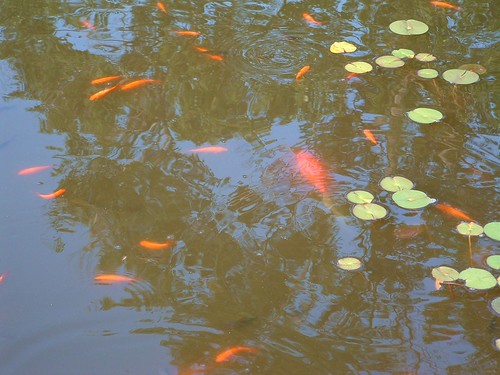
Image courtesy of Flickr user patwalsh_2000 under a Creative Commons license.

Summer classes have ended, which means just two weeks until the first day of Fall classes. Here are the Library’s hours over the next three weeks:

August 7 – August 20:

Monday – Friday                          8:00 AM – 4:30 PM

Saturday – Sunday                      Closed

Royal Welcome Weekend:

Saturday, August 21                   12 Noon – 6:00 pm

Sunday, August 22                     12 Noon – 11:30 pm

Enjoy the last days of Summer break!

Hours for July 4th Weekend

The 4th of July is upon us, and this means limited hours in the Library for the holiday weekend:

Saturday-Monday, July 3rd-5th the Library will be Closed.

We will reopen at 8 am on Tuesday, July 6th, and resume our regular hours.

Enjoy the festive weekend! Happy Independence Day!

(Photo courtesy of Flickr user Why Tuesday? under a Creative Commons license.)

Internet Outage on Campus Early Next Week

Just a quick heads up to our students taking summer classes. Next Monday, June 14th at 11 pm there will be a planned Internet outage on campus while network maintenance occurs. It will last until the following morning, June 15th, at 6 am. From the campus IT Department:

During the service outage, on-campus users will not have access to Internet sites and services and users outside of the campus will be unable to reach University of Scranton sites and services. The University of Scranton maintains an alternate Web site to ensure that external users can continue to get some essential content.

This could affect access to the Library’s databases during that window of time, so please plan accordingly!

Wonderful Gmail Labs, pt. 1: Nested Labels

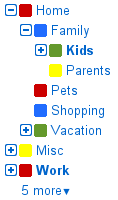
Here is Part 1 of a series of posts I plan to do, in which I share about the latest and (in my opinion) greatest features available in Gmail through Gmail Labs.

(Image borrowed from the Gmail blog post about Nested Labels, linked in the body of this post)

To all the Gmail users on campus…

Ever wish you could organize your thousands of archived emails into folders, like most other email clients allow? Well, now you can. Or, at least, you can do the equivalent, with a new Gmail Lab called Nested Labels.

Nested Labels allows you to create custom labels and sub-labels (which can even be color-coded), where the parent label, as viewed by default to the left of your inbox, can be expanded and collapsed to reveal (or hide) the sub-labels within that parent label.

I find this incredibly useful, since it allows me to categorize my huge archive, thus making older emails easier to find. It takes a little bit of time to set up, since you’ll need to go back and categorize all of your old emails from the past, assigning custom labels to the emails you want easy access to. But, if this is something you’ve wished Gmail had (or if you’ve been using the folders4gmail browser extension as a work-around, like I was), check out the Gmail blog post, linked above, for instructions on how to get started with Nested Labels.

Easter Break Hours

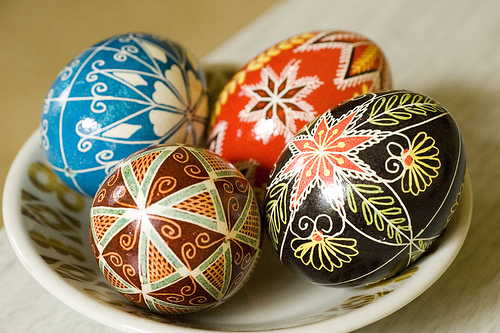
Photo courtesy of amandawoodward under a Creative Commons license

Holy Week and Easter are upon us. And this means the Library’s hours will be lighter at the end of this week, in order for those of us who celebrate to give this Feast of Feasts more of our attention, that we may celebrate Christ’s Resurrection with un-distracted joy!

Here are the Library’s hours for Easter break:

Thursday, April 1st: 8AM-4:30PM

Friday-Sunday, April 2nd-4th: Closed

Monday, April 5th: 12 Noon-11:30PM

Happy Easter and Blessed Feast!

Text UofSLibrary!

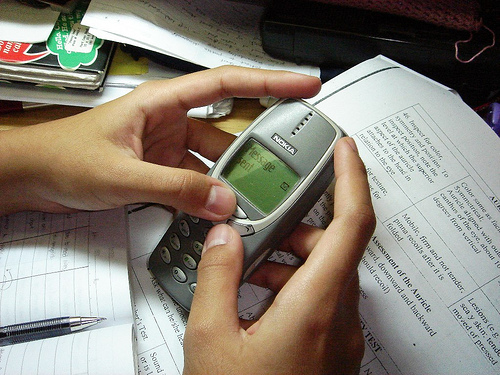
Photo courtesy of isla_yelo under a Creative Commons license

Starting today, you can now send text messages to the UofS Library Reference Desk at:

570-687-8787

Send us your library-related questions via text message, and we’ll text you back an answer shortly, if you send the text during normal library hours.

If you text us when we’re closed, we’ll receive your text when we open up the next day, and text you back as soon as we get the question.

Please remember that your cell phone carrier may charge you for each text message sent and received. The library is not responsible for these charges.

More to come on this, but in the meantime, tell your friends! Happy texting!

Library Love on Mardi Gras

Mardi Gras at the Library!

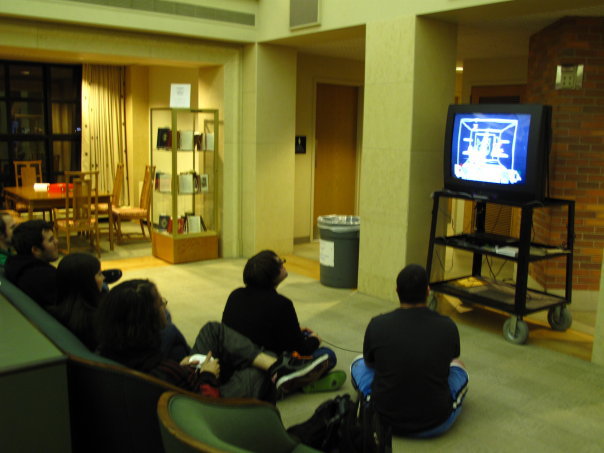
Thank you all for making our first gaming night at the library a big success! Last night, at least 65 students came by the 5th floor Heritage Room to eat wings and pizza, and get their game on.

Super Smash Brothers was a big hit.

Games that got the most play include Super Smash Brothers and the Wii Fit — even the classic game Scattegories got in on the action.

There was also a raffle, which 67 students entered. There were three $10 Amazon gift cards awarded as prizes. The winners of the raffle drawing are:

Dan Parisi (Senior)

Devin Patel (Junior)

James Costello (Senior)

Winners will be notified via email of how and where to pick up your prizes.

We got enough positive feedback to know that gaming night is something we should do on a regular basis. So, we can all look forward to another gaming night in the library, since this one was such a hit.

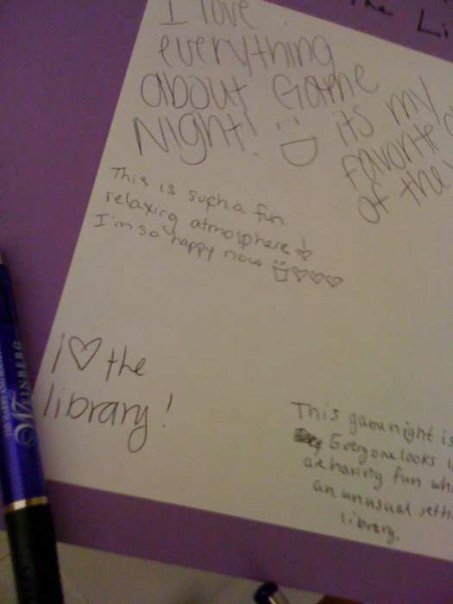
But, by far, the best part of Mardi Gras at the Library was all of the *library love* we got from everyone who participated. Thanks for the great feedback guys, and we can’t wait for the next one!

Library Love (aw shucks :) )

(A special shout-out to the Center for Health and Education Wellness for lending us the games, and to our very own Bonnie Oldham and George Aulisio for planning this awesome event. For more coverage of Mardi Gras at the Library, including photos, check out our Facebook page: www.facebook.com/UofSLibrary.)

Extended hours have begun!

Those of you who are frequent visitors to the Library may have noticed that this week we’ve been closing 30 minutes later than usual. That’s because our extended hours leading up to finals have begun! Here is the schedule:

Tuesday-Thursday, Dec. 1st-3rd, 8AM-12Midnight

Friday, Dec. 4th, 8AM-10PM

Saturday, Dec. 5th, 9AM-9PM

Sunday, Dec. 6th, 12Noon-12Midnight

Monday-Thursday, Dec. 7th-10th, 7AM-2AM

Friday, Dec. 11th, 8AM-12Midnight

Saturday, Dec. 12th, 8AM-5PM

And as usual, the Pro Deo room is open 24 hours, and is accessible by swiping your Royal Card after hours.

Happy studying, all!